Find the links your friends sent you.
Subnet is a shared Library for friends. Save a link and add a note about why it matters, so everyone can find it later without searching through chat.
You add links yourself — Subnet doesn’t read your chats.
Have an invite? Download Subnet macOS and Linux
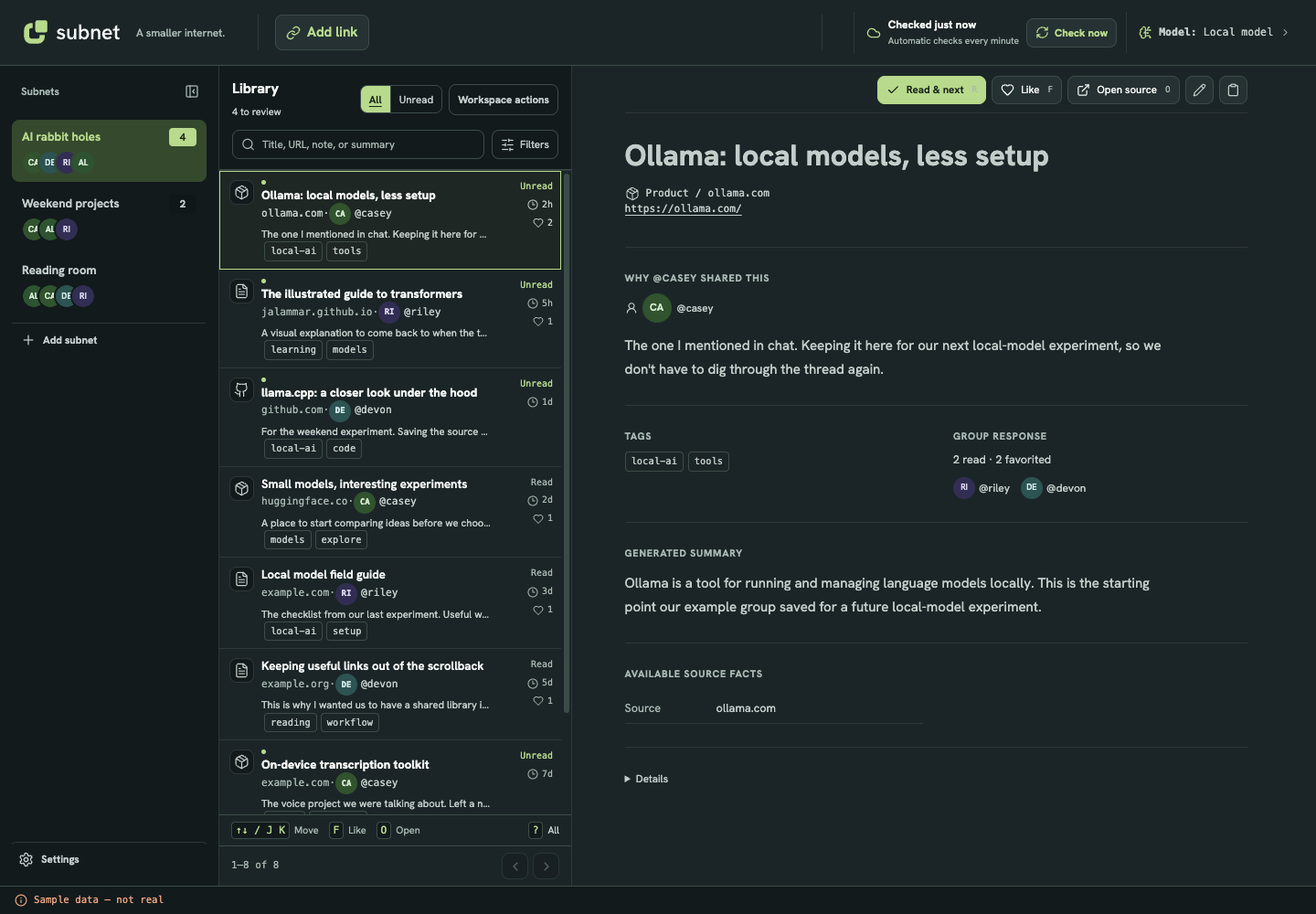
See it in 30 seconds
A short look at how links move from a busy chat into a shared Library.
Recommendations arrive in a busy chat and one gets buried. Someone deliberately saves a link to Subnet with an optional note. Members search the Library and filter by tags. Shared data lives in ordinary Markdown in a private GitHub repository, with a local copy on each computer. No Subnet account or content server is required; each member needs access to the private repository and an existing GitHub CLI sign-in.
The conversation and people are illustrations; links are added deliberately, not imported.
A recommendation is easy to lose in a busy chat.
You remember someone sharing a tool that would help with your project, but not what it was called. Finding it usually means searching the channel or asking everyone again.
Open your subnet’s Library in Subnet and share the link when you come across it. You can add a note about what it does or when you’d use it.
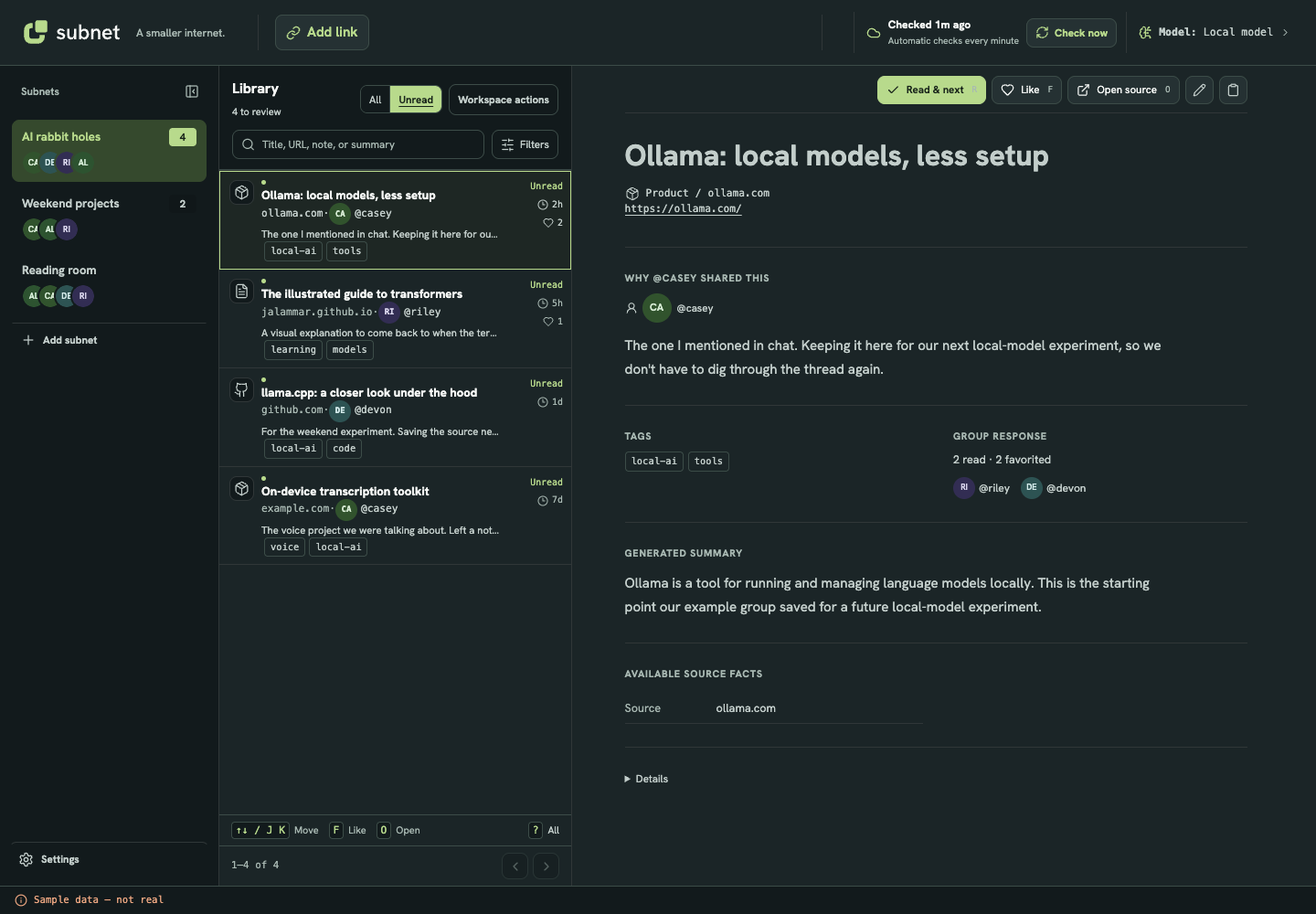
See what you haven’t read yet.
Open Unread to see the links you haven’t marked as read. Everyone has their own unread list.
When you mark a link as read, it stays in the library for everyone to find again.
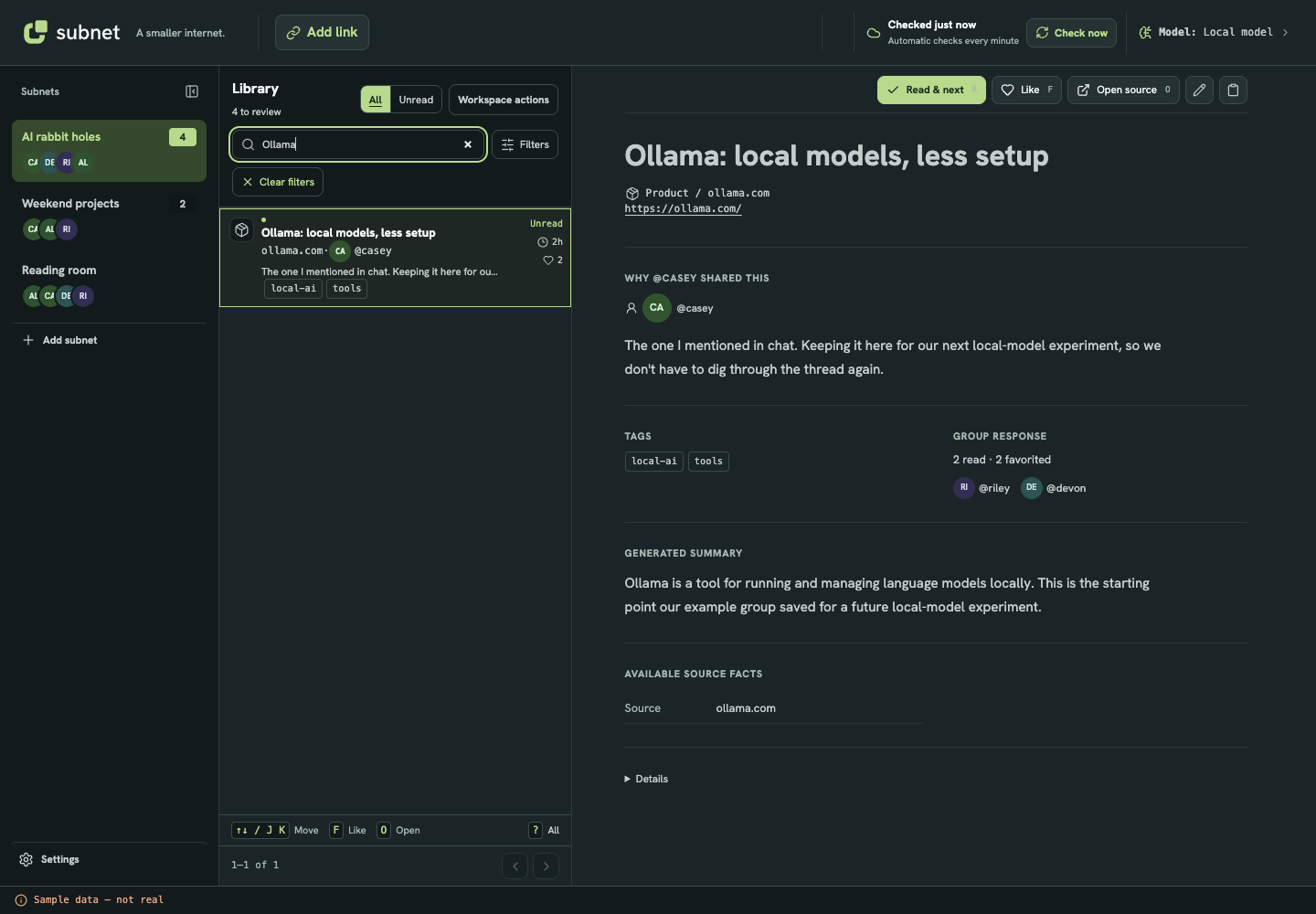
Find a link by more than its title.
Search matches URLs, notes, and summaries as well as titles. You can also filter by contributor or tag if you remember who shared it or what it was about.
Your subnet, your links.
Your links and notes stay in your subnet’s private GitHub or supported Gitea location, with a local copy on your computer.
Your library doesn’t depend on Subnet servers or a Subnet account. Use your existing GitHub or Gitea account.
What do we need to start a subnet?
Subnet currently supports macOS and Linux x64. Windows is not supported yet. Each member needs an account on the GitHub or Gitea host your subnet uses and access to its private shared location.
Install Git and set up GitHub CLI for GitHub, or a matching tea login for a supported Gitea server. Gitea subnets need an already initialized private shared location.
Subnet shares changes when you’re online. You don’t create a separate Subnet account.
Does it import our chat?
No. You add the links you want to save. Subnet does not store conversations or automatically import messages from Discord or other chat apps.
Who can see our links?
Members with access to your subnet can see shared links, notes, and read/Like activity. The hosting site keeps the shared copy, and each member has a local copy.
Do we have to use AI?
No. You can save links, write notes, and use the Library without connecting an AI tool.
If you want summaries or suggestions, you can connect an on-device model or an external provider. An external provider receives content under its own privacy terms.
Subnet is in private testing.
Leave your email for early-access updates. This records interest, not an app invitation.